
How AI Transforms UX Workflows: A Practical Guide
Discover how AI is reshaping UX workflows with practical applications, tools, and insights for designers and researchers.

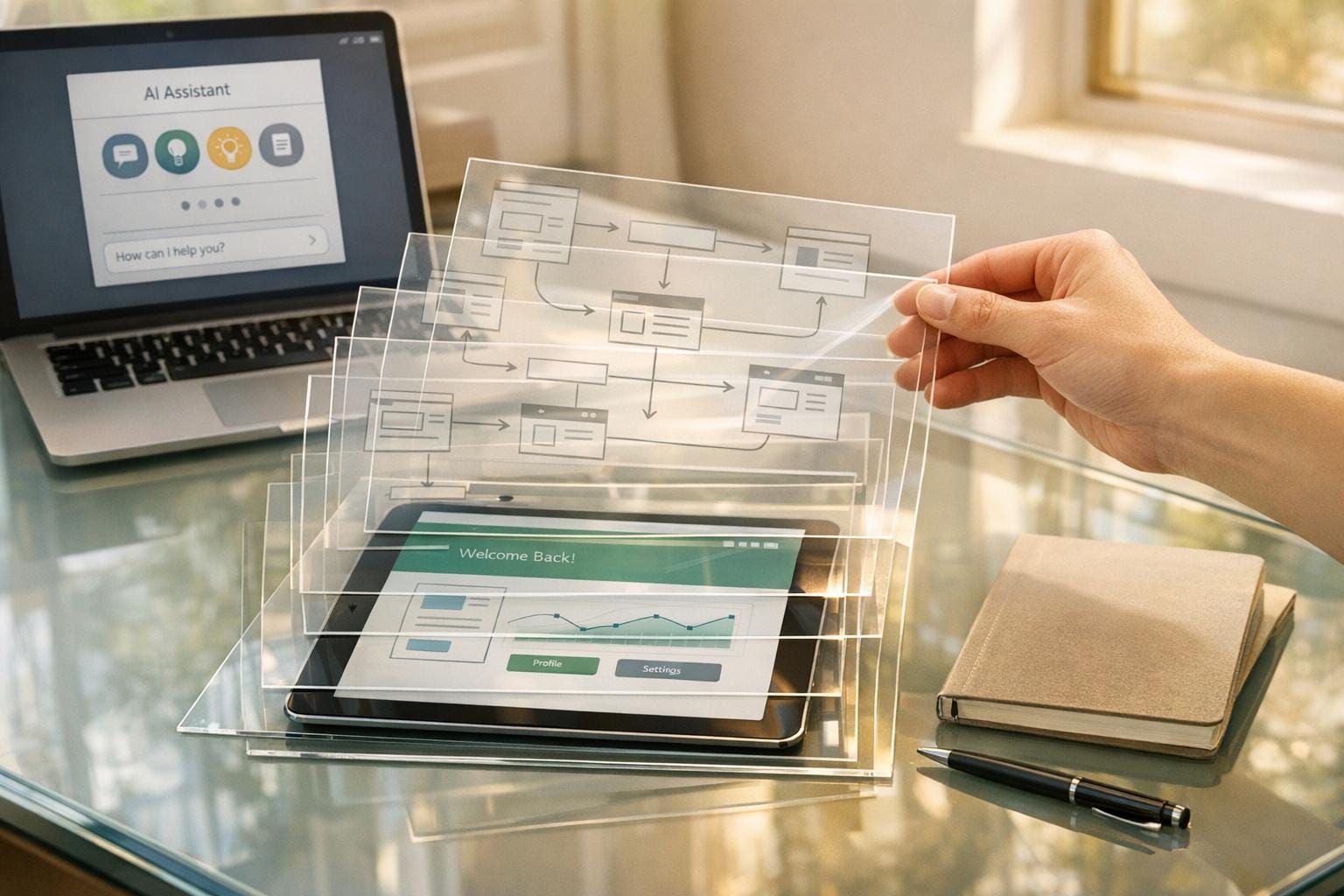
As artificial intelligence (AI) cements its place across industries, its impact on UX design workflows is both transformative and inevitable. This article explores how AI is reshaping UX processes, from ideation to delivery, helping developers, designers, and tech professionals integrate AI tools into their work. Whether you're a seasoned UX designer or a developer curious about improving your workflows, this comprehensive guide breaks down key insights shared in a practical, engaging discussion on the topic.
Introduction: The Role of AI in UX Design Today
Artificial Intelligence is no longer a distant innovation; it’s a tool for everyday use, particularly for UX professionals. Beyond automating mundane tasks, AI is redefining how designs are conceptualized, tested, and implemented. While some fear it may replace jobs, the truth is more nuanced - AI is enhancing capabilities, saving time, and enabling professionals to focus on higher-value tasks. From tools like ChatGPT for ideation to advanced design platforms generating polished UI, AI has embedded itself deeply into the UX ecosystem.
This article unpacks AI's impact on UX workflows, offering actionable insights on its potential across key stages of design. By the end, you’ll have a clear understanding of how to leverage AI in your processes and future-proof your skills.
Understanding the Foundations of AI in UX
What Makes AI So Effective?
At its core, AI is adept at pattern recognition, decision-making, and data-based predictions. It uses past data and interactions to generate outcomes that align with user expectations. For UX workflows, this means AI can analyze user feedback, automate wireframe creation, and even simulate user behavior.
AI's origins can be traced back to the 1950s, but its modern relevance lies in tools like machine learning (ML) models and natural language processing (NLP) systems. These technologies allow AI to adapt to UI/UX challenges, from understanding product requirements to generating user-centric designs.
Key Areas Where AI Enhances UX Workflows
1. User Research and Empathy
The first stage of UX design, empathizing with users, benefits immensely from AI. Tools like Otter.ai and Loop Panel not only transcribe user interviews but also tag pain points and organize insights into actionable categories (e.g., navigation issues, usability challenges). Advanced platforms like Jasper AI and Gemini help convert these insights into structured data for seamless analysis.
Instead of spending hours sifting through interview notes, designers can rely on AI to identify trends, allowing them to focus on crafting meaningful solutions.
Example: AI-Driven Insights
- Otter.ai provides real-time transcription and tagging during user interviews.
- AI-enhanced Jira workflows convert pain points into tickets, streamlining implementation.
2. Ideation and Brainstorming
AI accelerates brainstorming. Tools like ChatGPT and Claude generate ideas by analyzing personas, business needs, and prior research. This eliminates the "blank canvas" problem and provides a springboard for innovation.
By using AI-powered ideation tools, designers can:
- Generate diverse sets of concepts for user flows or UI features.
- Explore edge cases and scenarios otherwise overlooked.
Example:
A UX team working on an elderly care app used AI to ideate user flows tailored to accessibility. The AI suggested design patterns based on successful apps in similar industries.
3. Wireframing and Prototyping
Gone are the days of manual wireframing. AI-powered plugins in Figma, like Wireframe Generator and Galileo AI (now Google Stitches), allow designers to create high-quality wireframes in minutes. AI understands user pain points, context, and business needs, delivering layouts that align with set objectives.
Tools to Explore:
- Wizly: Converts hand-drawn sketches into editable wireframes.
- Attention Insights: Predicts where users’ attention will go on a page, optimizing layouts for engagement.
4. Usability Testing and Feedback Analysis
Tools like Attention Insights and Maze help validate designs by simulating user interactions. AI-generated heatmaps highlight areas where attention is focused, enabling designers to refine their work before launch.
For usability testing:
- AI automates feedback categorization, pointing out both positives and areas for improvement.
- Tools like VisualEyes analyze screen recordings and suggest design optimizations.
5. Design Automation and Development Integration
AI bridges the gap between designers and developers. With tools like Zeplin and WebVio, designers can automatically convert designs into developer-friendly specs.
Moreover, AI agents can break down complex tasks into smaller steps. For instance, if you're creating a design system for healthcare, an AI agent might:
- Analyze existing healthcare design patterns.
- Identify common UI elements.
- Generate a spec sheet and editable Figma files.
This reduces miscommunication between teams and ensures faster handoffs.
Levels of AI Adoption: Where Do You Stand?
Stage 1: Prompt-Based AI
Most designers start here, using AI tools like ChatGPT for generating ideas or simple outputs. For example:
- Writing button copy.
- Creating personas.
Stage 2: Workflow Automation
At this stage, outputs from one tool feed into another. For instance:
- Generating wireframes in Figma through Galileo AI.
- Automating usability feedback through Jira-integrated AI workflows.
Stage 3: Agentic Workflows
AI agents act autonomously, making decisions based on user-defined rules. For example:
- An AI agent might collect user feedback from app reviews, classify issues, and suggest wireframe changes - all without manual intervention.
The Double Diamond UX Process: AI Integration
The widely used Double Diamond UX Process - Discover, Define, Develop, Deliver - provides a roadmap for AI integration:
- Discover: AI tools analyze user data, interviews, and trends.
- Define: Tools like ChatGPT assist in refining problem statements.
- Develop: Platforms like Rendition and Galileo create prototypes and high-fidelity designs.
- Deliver: AI streamlines developer handoffs via tools like Zeplin.
This process ensures that AI augments every step, from ideation to implementation.
Key Takeaways
- AI enhances productivity: Automate mundane tasks like transcription, wireframing, and usability testing to focus on strategic design decisions.
- Prompt quality matters: A well-structured prompt leads to better AI outputs. Invest time in crafting detailed inputs.
- Explore agentic AI tools: Experiment with platforms like Reflex AI to manage complex workflows autonomously.
- Leverage predictive testing: Tools like Attention Insights help validate designs before launch.
- Integrate AI into the UX process: Use the Double Diamond framework to systematically apply AI at every stage.
Conclusion: Preparing for the Future of UX Design
As AI continues to evolve, its role in UX workflows will become even more integral. While tools may automate designs, the human element - creativity, empathy, and problem-solving - remains irreplaceable. By mastering AI tools and integrating them into your workflows, you can gain a competitive edge and focus on what truly matters: delivering exceptional user experiences.
The message is clear: AI is here to stay. The sooner you embrace it, the better positioned you'll be in navigating the future of UX design.
Source: "How AI is Revolutionizing UI/UX Design (What You Need to Know) | Rohan Mishra at UXD Talks" - UXD Talks, YouTube, Aug 16, 2025 - https://www.youtube.com/watch?v=XE6u2YMh9us