
Ultimate Guide to Usability Test Plans
Learn how to create a comprehensive usability test plan that enhances user experience and delivers actionable insights for product improvement.

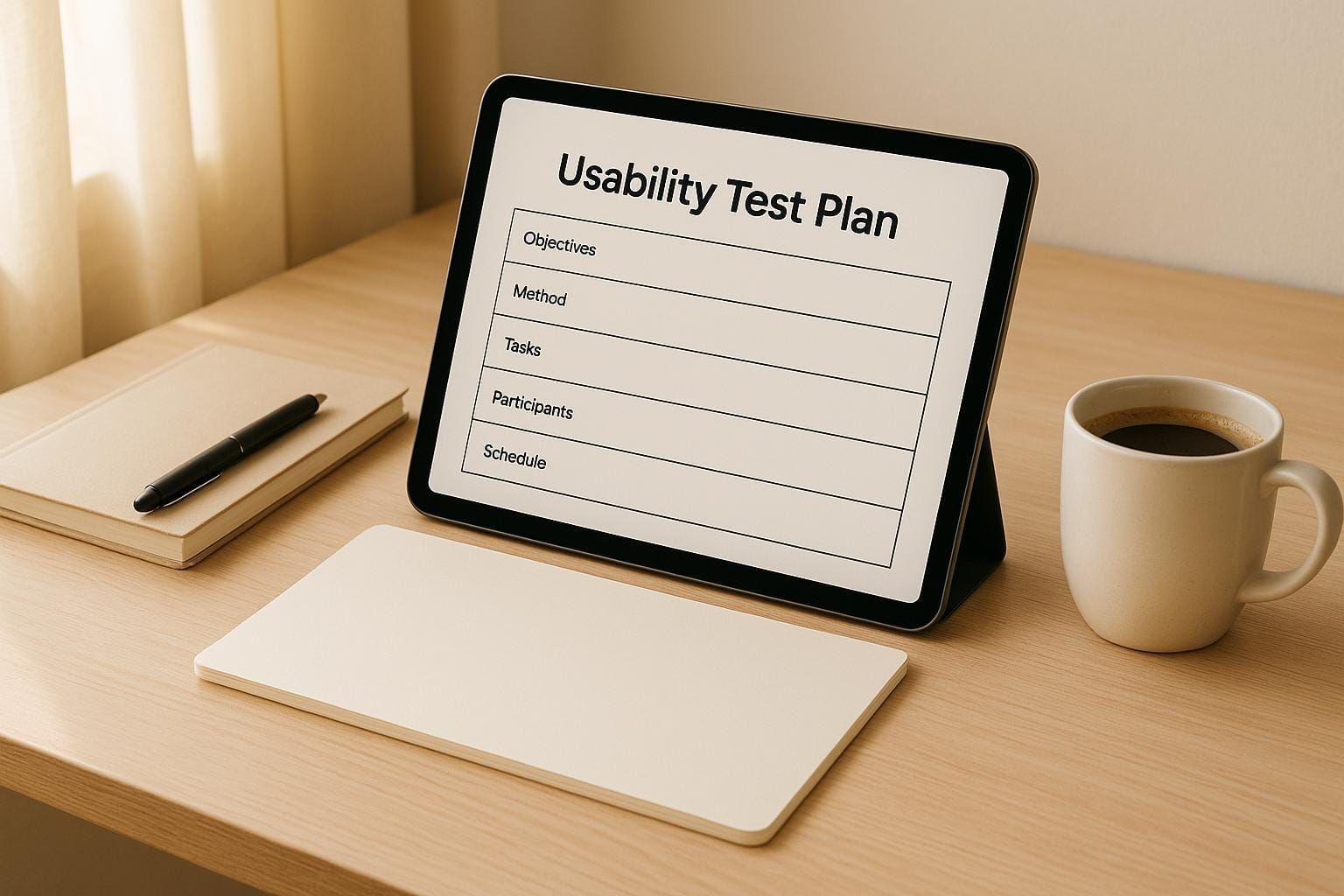
A usability test plan is a structured document that outlines how to evaluate your product's user experience. It helps clarify objectives, identify target users, and define tasks to gather actionable insights. Without a plan, testing can become inconsistent, biased, or ineffective, leading to wasted resources and missed opportunities to improve your product.
Key Takeaways:
- What It Is: A usability test plan maps out testing objectives, target participants, tasks, and success metrics.
- Why It Matters: Saves time and money, ensures consistency, reduces bias, and prioritizes key usability issues.
- When to Use: Early-stage concept testing, pre-launch validation, post-launch improvements, feature updates, or redesigns.
- Core Elements: Objectives and scope, participant profiles, and realistic test tasks with measurable success criteria.
Core Elements of a Usability Test Plan
After understanding why test plans are essential, let’s delve into their key components. A usability test plan typically includes three main elements that work together to generate actionable insights. These elements bridge the gap between user experience (UX) questions and meaningful results.
Getting these components right from the beginning ensures you’re collecting the right data and testing with suitable participants. Without proper planning, you risk wasting time and resources or ending up with irrelevant findings. Let’s break down each element in detail.
Setting Objectives and Scope
Your objectives define the purpose of your testing, while the scope sets clear boundaries for what the testing will cover. Together, they keep your team focused and prevent unnecessary distractions or "scope creep."
Start by identifying specific UX challenges you’re aiming to address. Instead of vague goals like "make the interface better", focus on measurable user behaviors. For instance, an objective could be: "75% of new users should be able to complete their first purchase within 5 minutes without assistance."
When defining the scope, outline exactly what you’ll test - such as specific features, user flows, or device types. For example, if you’re testing a mobile app, decide whether to include both iOS and Android or just one platform. Be upfront about any limitations, like budget, time, or technical constraints, so stakeholders understand why certain choices were made.
Identifying Participant Profiles
The participants you choose play a critical role in the success of your usability testing. They should closely represent your target audience to ensure the feedback is relevant and actionable.
Build participant profiles by considering a mix of demographics (age, gender, education, income, location) and behavioral traits. However, behavioral factors - like how users interact with technology - often matter more than basic demographics. For instance, testing a banking app for seniors requires participants who not only fall within the right age group but also have varying levels of comfort with mobile technology.
Domain knowledge is another important factor. If you’re testing accounting software, feedback from experienced bookkeepers will differ from that of users with no finance background. The choice depends on whether your product is aimed at experts or designed to simplify complex tasks for beginners.
To recruit effectively, go beyond surface-level criteria by creating detailed participant personas. Include information about their current tools, workflows, pain points, and technology habits. This depth ensures you’re selecting participants who can offer meaningful insights rather than generic feedback.
If your product caters to multiple user types, consider creating separate profiles for each group. For instance, a project management tool might require different profiles for team leaders, individual contributors, and executives, as their needs and goals will vary.
Creating Test Tasks and Scenarios
The tasks and scenarios you design are the backbone of your usability test. They should mimic real-world situations while aligning with your objectives.
Realistic scenarios provide context, helping participants approach tasks naturally. For example, instead of saying, "Add an item to the cart", you could frame it as, "You’re hosting a dinner party this weekend and need to order ingredients for a pasta dish you saw online."
Tasks should be specific enough to direct participants to the features you want to test, but broad enough to avoid leading them toward a particular solution. Use neutral language to prevent bias - avoid words like "easy" or "quick" that might influence their expectations or behavior.
Structure tasks to reflect typical user journeys. For instance, if a user’s journey starts with account creation and moves to exploring features, your tasks should follow that sequence. Include both primary tasks that test core functionality and secondary tasks that explore less common user paths. While primary tasks align with your main objectives, secondary tasks can uncover unexpected usability issues.
Finally, define measurable success criteria for each task. Specify what qualifies as successful completion, acceptable time limits, and the types of errors or confusion that indicate usability problems. This consistency allows you to evaluate performance across participants and identify patterns in their experiences.
How to Create a Usability Test Plan
Creating a usability test plan starts with careful preparation and solid research.
Preparation and Research
Begin by clearly defining the problem and its context. Pull together insights from research, stakeholder feedback, customer support data, and analytics. This helps pinpoint knowledge gaps and ensures you're addressing real user challenges.
To refine your understanding, apply the Five Ws framework:
- Who: Identify your users.
- What: Understand the challenges they're facing.
- Where: Pinpoint where these issues occur in their experience.
- When: Determine when these problems arise.
- Why: Explore why these challenges matter.
This structured approach lays the groundwork for crafting a focused and effective test plan. A well-defined problem statement is at the heart of any successful usability testing process.
Best Practices for Usability Testing
Refining your usability testing process starts with crafting tasks that genuinely reflect what users aim to achieve. The goal is to design scenarios that align with real-world user objectives, rather than simply showcasing how your product works.
Writing Clear and Neutral Tasks
To create effective test tasks, stick to these two essential guidelines:
- Prioritize user goals over system instructions. Tasks should focus on what users want to accomplish, not the specific steps within your system.
- Use neutral language. Avoid phrasing that might lead participants toward a particular action or response. This ensures users interact with your interface naturally, providing more authentic feedback.
Common Problems and Solutions
UX researchers often face recurring challenges when conducting usability tests. Spotting these issues early on can help you craft studies that yield meaningful insights and actionable results.
Unclear Objectives
Vague goals can throw your testing sessions off course. For instance, simply aiming to "test the checkout process" lacks focus. Instead, define clear, measurable outcomes like: "Assess whether first-time users can complete a purchase within a set timeframe without assistance." This level of detail guides everything - task creation, participant selection, and the metrics you’ll analyze. Plus, it ensures your findings can directly inform product decisions.
Bias in Test Design
Subtle biases in your test design can skew results. For example, asking participants to "use the convenient search feature" or "click the prominent call-to-action button" nudges them toward specific behaviors. This can lead to overly positive feedback that doesn’t reflect genuine user experiences.
To avoid this, use neutral, goal-oriented scenarios. Instead of saying, "Navigate to the product comparison page", try something like: "Imagine you're shopping for a laptop and want to compare two models for your home office needs." This approach allows participants to interact naturally without being influenced by leading instructions.
Another common trap is designing tests that validate pre-existing design choices rather than exploring potential usability issues. Make sure you test across all user flows, especially areas where you have the most uncertainty. This way, you uncover genuine pain points rather than reinforcing assumptions.
Technical and Environmental Limits
Device and environmental factors play a huge role in usability. Testing only on the latest gadgets might give you a skewed picture of how your product performs. Many users rely on older devices with smaller screens, slower processors, or limited memory. Be sure to include these in your testing mix and simulate different network speeds to identify performance bottlenecks.
Real-world environments are another critical consideration. Testing in a quiet lab doesn’t reflect the distractions users face in their daily lives. Think about how people actually use your product - on a noisy train, while multitasking, or in a bustling coffee shop. Conducting sessions in these natural settings can reveal insights you’d miss in a controlled environment.
Even with budget constraints, you don’t have to compromise on test quality. Remote testing tools can help you reach a diverse pool of participants across various locations and setups, all while keeping costs in check. This approach expands your reach and gives you a more realistic view of how users interact with your product.
Conclusion
Reflecting on the best practices and solutions we've explored, it's clear that a strong usability test plan serves as the backbone of creating exceptional user experiences.
The most effective tests zero in on clear, measurable goals, steer clear of bias, and mirror real-life scenarios. Even small tweaks to your test planning can make a big difference - helping you gather more meaningful feedback and ensuring a diverse range of perspectives.
The challenges we discussed, like vague objectives or technical hurdles, aren't insurmountable. Instead, they present chances to refine your methods and strengthen your testing process. Every test you run sharpens your skills and helps uncover potential issues early in development.
By focusing on real user needs, your test plan transforms into more than just a checklist - it becomes a tool for genuine user insight. With this approach, you're not just conducting tests; you're shaping products that truly meet users' expectations and needs.
Whether you're evaluating a single feature or an intricate user journey, the core principles remain consistent. Start with well-defined goals and create scenarios free of bias. The insights you gain will not only inform better design choices but also lead to experiences that users genuinely enjoy. A thoughtful test plan doesn't just evaluate usability - it drives decisions that address real-world challenges effectively.
FAQs
How do I make sure my usability test participants represent my target audience?
To make sure your usability test participants truly represent your target audience, begin by identifying essential traits like age, job role, technical skills, and experience with your product. Create a screening survey with focused questions to narrow down participants based on factors like how they use your product and their familiarity with certain features.
You can recruit participants from a variety of sources, including your current user base, social media platforms, online communities, and professional research panels. Combining these channels helps you assemble a diverse and representative group, leading to more meaningful and accurate test outcomes.
How can I create usability test tasks that avoid bias and provide accurate user insights?
When designing usability test tasks, aim for tasks that feel realistic and are grounded in real-world scenarios. Use neutral language to avoid swaying users or shaping their actions, and steer clear of instructions that could guide them toward specific outcomes. A good mix of open-ended and closed-ended questions can help gather a broader range of insights while keeping the process less predictable. Additionally, randomizing the order of tasks can prevent users from spotting patterns, leading to more natural and authentic responses. These methods help paint a clearer picture of how users genuinely interact with your product.
How can I adjust usability testing to reflect real-world environments and technical limitations?
To get the most out of usability testing, aim to conduct it in settings that reflect where users will genuinely engage with your product. This might involve remote testing or field studies to observe authentic user behaviors and account for environmental factors. When dealing with technical constraints, it’s crucial to work closely with developers early in the process. By understanding system limitations upfront, you can plan for iterative testing, tackle challenges head-on, and explore alternative approaches. This ensures your testing stays both practical and effective, even when navigating real-world hurdles.