
Complete Guide to UI vs UX and the Product Design Process
Learn the differences between UI and UX, explore the 8-step product design process, and discover tools like Figma and Adobe XD for great designs.

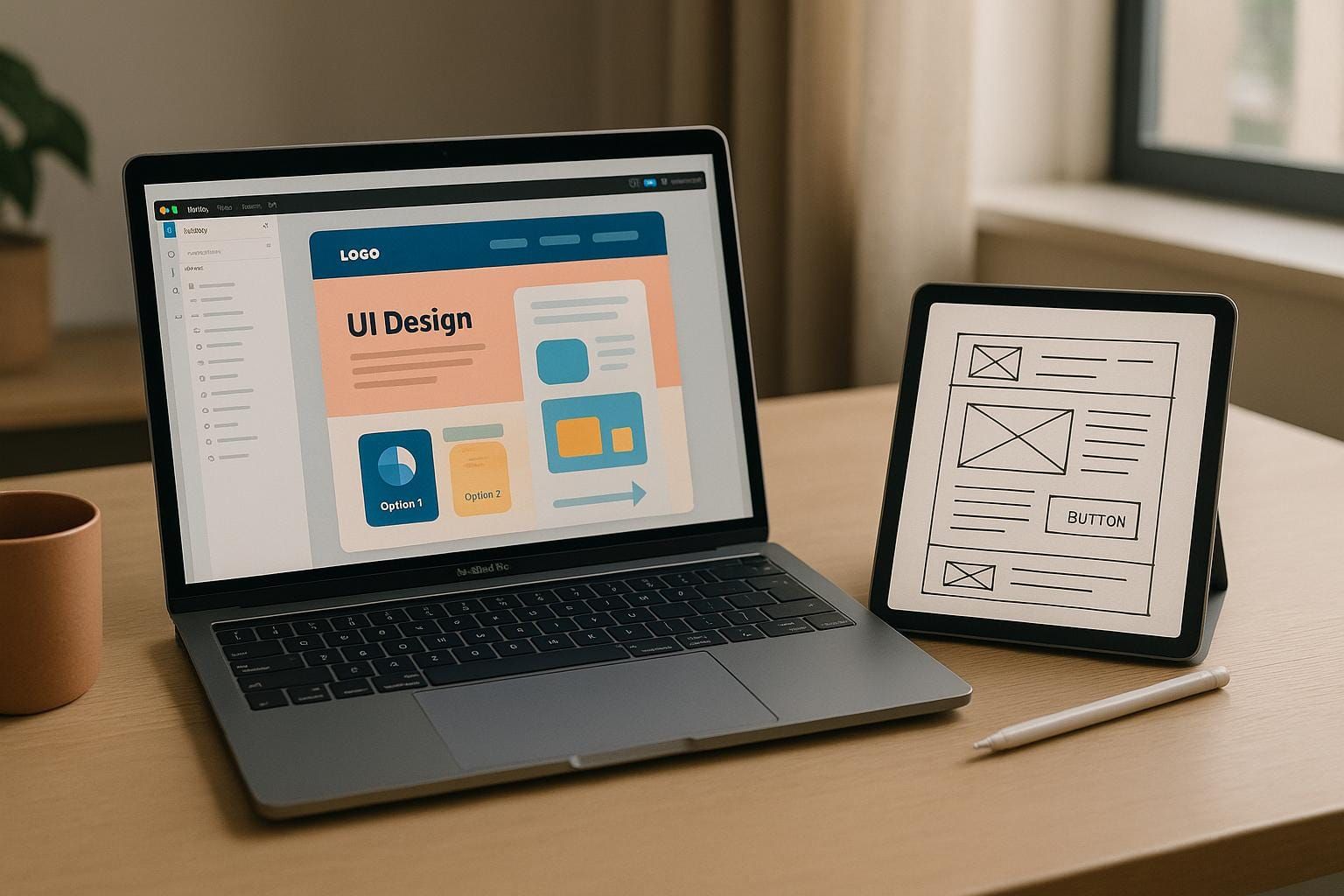
Creating digital experiences that are both functional and enjoyable is a cornerstone of modern technology. Whether you’re a developer, designer, or product manager, understanding the distinction between UI (User Interface) and UX (User Experience) and mastering the product design process is vital for crafting world-class tools and applications. This article breaks down these concepts and provides actionable insights into the product design process, offering a transformative perspective for tech professionals.
Introduction: Why UI and UX Matter in Product Development
In today’s competitive technology landscape, the success of a digital product lies in its ability to balance visual appeal with seamless usability. UI focuses on how a product looks and feels, while UX ensures that the user’s journey is smooth, efficient, and satisfying. Together, they form the foundation of product design, a multidisciplinary process that transforms ideas into user-centric digital solutions.
From research to launch, the product design process empowers professionals to create tools that address user pain points, align with business goals, and adapt to dynamic market needs. This article delves into the essential stages of product design, demystifies UI versus UX, and explores the tools that facilitate this creative journey.
The Difference Between UI and UX
Although often used interchangeably, UI and UX have distinct roles in product design, complementing each other to enhance the overall experience. Here’s how they differ:
1. User Interface (UI)
UI focuses on the visual and interactive aspects of a product. It’s about crafting intuitive elements that users engage with directly.
-
Key Components:
- Buttons
- Typography
- Colors
- Layouts
- Icons
- Animations
- Purpose: Ensuring the product is aesthetically appealing and easy to navigate. Think of UI as the "body" of a car - it’s what users see, touch, and interact with.
2. User Experience (UX)
UX centers on the overall journey and satisfaction of using a product. It’s about how a product solves user problems and delivers a seamless experience.
-
Key Components:
- Research and usability testing
- Creating wireframes and user personas
- Information architecture and flow
- Optimizing functionality
- Purpose: Making the product efficient, enjoyable, and accessible. If UI is the "body" of a car, UX is the "drive" - how smooth, comfortable, and safe the experience is.
Real-World Example
Imagine a navigation app. The UI would include the map visuals, buttons for search and directions, and the color scheme. The UX would focus on how quickly users can find a route, how accurate the directions are, and how clear the interface feels during use.
The 8 Stages of the Product Design Process
Building a product that resonates with users requires a systematic approach. Below is a step-by-step breakdown of the product design process, with insights into each stage:
1. Research and Discovery
This foundational stage involves understanding the problem space, target audience, and market landscape.
-
What to Do:
- Conduct surveys, interviews, and observations.
- Perform competitive analysis.
- Gather insights into user needs, pain points, and behavioral patterns.
- Why It Matters: Without understanding the problem, it’s impossible to create an effective solution.
2. Define
This stage synthesizes research findings into actionable insights.
-
Key Activities:
- Create user personas to represent target users.
- Develop problem statements and clear goals.
- Align all stakeholders on what problems to solve and for whom.
- Outcome: A focused project direction based on user needs.
3. Ideation
Here, creativity takes center stage. The goal is to brainstorm as many solutions as possible without judgment.
-
Techniques:
- Mind mapping
- Sketching ideas
- Hosting collaborative brainstorming sessions
- Purpose: To explore diverse potential solutions, focusing on quantity over quality initially.
4. Design
Concepts are translated into tangible forms, combining functionality with aesthetics.
-
UX Design Elements:
- User flows
- Low-fidelity wireframes
- Information architecture
-
UI Design Elements:
- Visual hierarchy
- Typography
- High-fidelity mockups
- Branding and color schemes
- Goal: Balance usability with visual appeal to create an intuitive design.
5. Prototyping
Prototypes bring designs to life through interactive models, allowing for early validation of concepts.
-
Types of Prototypes:
- Paper sketches (low fidelity)
- Clickable wireframes
- High-fidelity interactive mockups
- Why It’s Critical: Prototyping helps identify usability issues before investing development resources.
6. Testing and Validation
Testing ensures the product meets user expectations and solves the intended problem.
-
Methods:
- Usability testing
- A/B testing
- User interviews and surveys
- Goal: Validate assumptions and refine the product based on feedback.
7. Implementation
This stage involves translating designs into a functional product. Developers build the product using design specifications and assets provided by the design team.
- Collaboration: Coordinating between designers and developers is essential to maintain accuracy.
8. Launch and Evaluation
The final stage involves releasing the product and continuously monitoring its performance.
-
Activities:
- Track user feedback and performance metrics.
- Iterate on design based on real-world usage.
- Result: A product that evolves to meet user needs and maintains relevance in the market.
Tools for UI/UX Design: Figma vs. Adobe XD
UI/UX designers rely on specialized tools to create, test, and refine designs. Two major players dominate the field: Figma and Adobe XD.
Figma
-
Key Features:
- Browser-based with desktop options
- Real-time collaboration for teams
- Extensive community resources and templates
- Best For: Remote teams, startups, and agencies needing seamless collaboration.
Adobe XD
-
Key Features:
- Strong integration with Adobe’s Creative Suite
- Advanced animation and voice prototyping capabilities
- Desktop-based with some cloud collaboration
- Best For: Designers already proficient in Adobe tools or projects requiring complex animations.
Quick Comparison:
| Feature | Figma | Adobe XD |
|---|---|---|
| Platform | Browser and desktop | Desktop only |
| Collaboration | Real-time and seamless | Less smooth |
| Prototyping | Intuitive, built-in | Advanced animations |
| Community | Large, community-driven | Smaller, growing |
| Integration | Open APIs, diverse tools | Best within Adobe Suite |
Takeaway: Both tools are powerful, but Figma’s collaborative features and flexibility make it a favorite among teams, while Adobe XD excels for motion-heavy projects.
Key Takeaways
- Understand UI vs. UX: UI focuses on visual elements, while UX ensures a smooth and satisfying user journey.
- Master the Design Process: Follow the 8 stages - research, define, ideation, design, prototyping, testing, implementation, and launch - for user-centric product development.
- Invest in Prototyping: Early validation through prototypes saves time and resources.
- Leverage the Right Tools: Choose Figma for real-time collaboration or Adobe XD for advanced animations based on your workflow.
- Continuous Improvement is Key: Use user feedback to refine and enhance your product post-launch.
Conclusion
Building exceptional digital products requires a deep understanding of both UI and UX principles, as well as mastery of the product design process. By following a structured approach and leveraging the right tools, designers and developers can create solutions that delight users and drive business success.
Whether you're just starting your journey in product design or looking to refine your skills, these insights provide a roadmap for crafting intuitive, user-centric experiences. Embrace the process, learn from feedback, and let creativity guide you to innovation.
Source: "UI/UX Design Basics | Understanding User Interface & User Experience" - NION DIGITAL TECHNOLOGIES LIMITED, YouTube, Aug 19, 2025 - https://www.youtube.com/watch?v=PWuxKThRgdQ
Use: Embedded for reference. Brief quotes used for commentary/review.