
Map the User Journey: Flowcharts for Seamless UX
Learn how to use flowcharts during concept development to design user-friendly products and improve customer experiences.

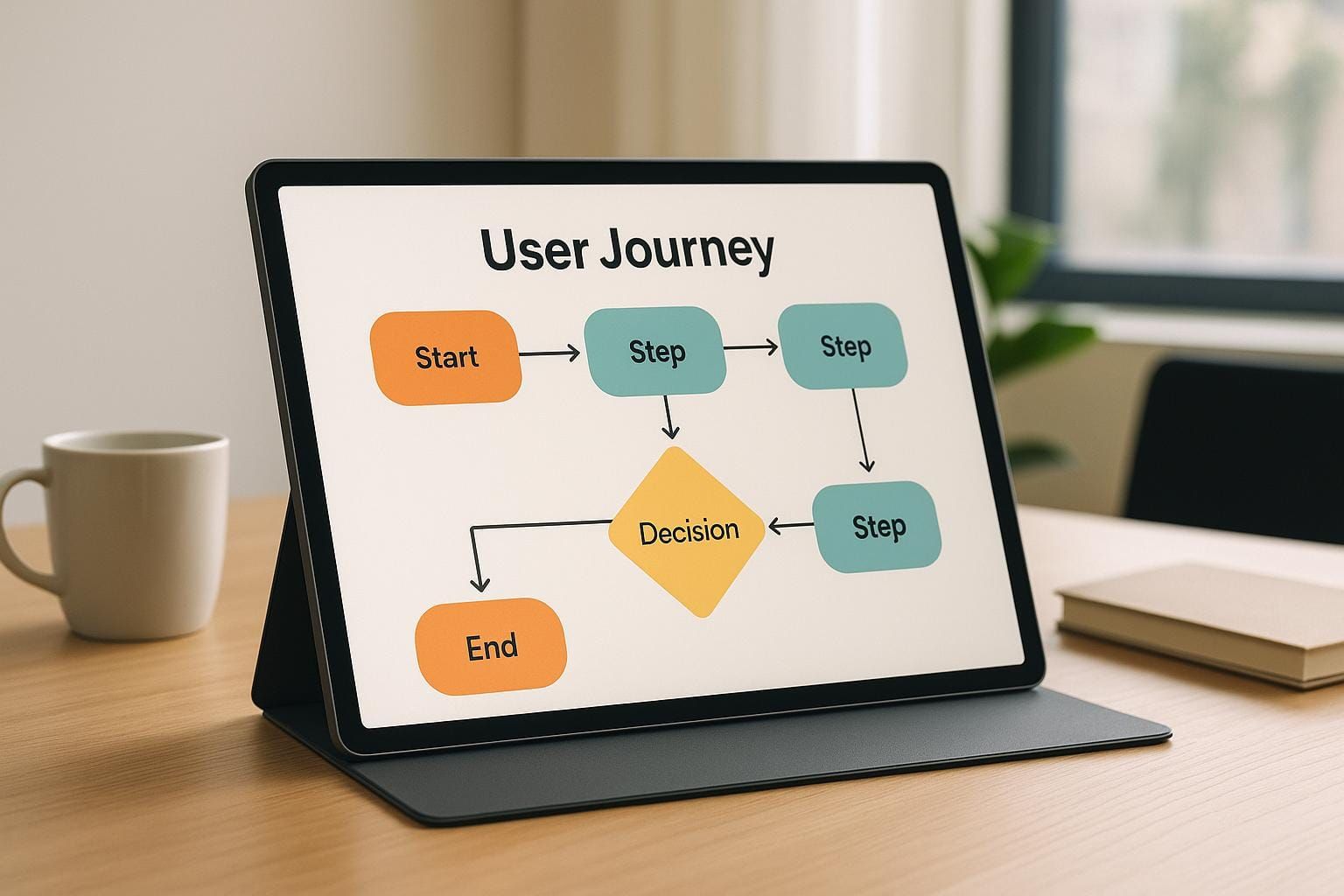
Creating intuitive, user-friendly products requires more than just functional design - it demands a deep understanding of how users interact with your product. This article dives into the critical value of mapping user journeys during the concept development phase of UX design. By leveraging tools like flowcharts, design teams can align their vision with user expectations, reduce friction in user interactions, and prioritize features that truly enhance the user experience.
Let’s explore how you can implement process flowcharts to design products that users love.
Why Consider the User Journey Early?
Many product designers and engineers focus primarily on how a product functions. While functionality is vital, understanding how users will interact with a product - step by step - ensures that it is not only useful but also enjoyable to use. Even during the concept development phase, when ideas are still forming, it is possible to evaluate the "use process" to create a clear roadmap for design decisions.
The Importance of User Interaction in Design
Diana Adini, host of the Quality During Design podcast, explains that users often approach products with assumptions, expectations, and goals. Designing solely from a functionality standpoint can lead to frustration when users encounter barriers to achieving their objectives. By focusing on user interaction during the early stages, your team can:
- Identify pain points before they arise.
- Clarify user goals and design smooth transitions between steps.
- Prioritize features that add value and reduce unnecessary complexity.
Adini draws attention to real-world examples of clever but underutilized product features - like the extra lace holes on sneakers or built-in caps on gas tanks. These design elements could improve user experience significantly but often fail to do so because users don't intuitively understand how to use them. This reinforces the need for clarity and simplicity in design.
Using Flowcharts to Map the User Journey
Flowcharts are essential tools for visualizing a user’s journey through your product. They break down the steps users take from start to finish, helping teams focus on interaction rather than just the product's internal mechanics.
What Are Flowcharts, and Why Are They Valuable?
Flowcharts are diagrams that use shapes like ovals, squares, and diamonds to represent the flow of actions or decisions. Here’s why they’re particularly effective:
- Clarity of Inputs and Outputs: Mapping out the journey identifies clear starting and ending points, ensuring alignment between user goals and product design.
- Assumption Testing: Flowcharts allow teams to evaluate their assumptions about user behavior and expectations. This prevents missteps caused by incomplete understanding.
- Prioritization of Steps: By dissecting the process, teams can identify which steps are critical to quality and add the most value to users.
- Identification of Bottlenecks: Complex or confusing steps can be isolated and refined using sub-process flowcharts.
By integrating flowcharts early in development, teams gain a structured approach to addressing user needs, reducing friction, and refining the overall user experience.
Types of Flowchart Analyses for UX Design
Adini highlights how different types of flowcharts and analyses can address specific challenges in UX design. Here are some key approaches:
1. Alignment Flowcharts
- For: Understanding high-level user processes.
- Use: Ideal for early concept development to outline how users will move from input to output.
2. Comparison Analysis
- For: Evaluating features from competitor products.
- Use: Helps decide which features to integrate, modify, or improve.
3. Critical Quality Analysis
- For: Identifying user interface elements or inputs that impact usability.
- Use: Focuses on refining the critical touchpoints in the user journey.
4. Value-Added Analysis
- For: Simplifying complex steps.
- Use: Pinpoints areas where tasks can be streamlined to reduce cognitive load.
5. Swim Lanes and Deployment Flowcharts
- For: Clarifying responsibilities across user roles or teams.
- Use: Ensures different users (e.g., end-users, technicians) have seamless interactions.
Each of these tools allows teams to tackle specific aspects of the user journey, ensuring that no detail is overlooked.
A Real-World Case Study: The Cost of Overlooking User Journeys
Adini shares a story from a product validation test where users struggled to understand how to use a nearly finished product. Users fumbled with the design, referencing unclear instructions, while the design team observed in frustration. The situation boiled over when an engineer interrupted the test, exclaiming, "You're doing it wrong!" and demonstrated the correct use.
This incident highlights two critical lessons:
- Design for Intuition: Users shouldn't need an instruction manual - or an engineer - to figure out how to use a product.
- Early Testing is Crucial: Mapping and refining the user journey early would have uncovered these usability issues before validation.
Flowcharts, used appropriately, can help design teams anticipate and avoid such scenarios.
Best Practices for Using Flowcharts in UX Design
To maximize the effectiveness of flowcharts during concept development, follow these best practices:
- Start Broad, Then Refine: Begin with a high-level flowchart outlining the main steps, then create sub-process charts for complex areas.
- Collaborate Across Teams: Include input from designers, engineers, and other stakeholders to ensure all perspectives are considered.
- Focus on the User’s Goals: Always design around what the user is trying to achieve, not just the product’s functionality.
- Use Visuals to Spot Opportunities: Pay attention to bottlenecks, redundancies, and decision points where users might struggle.
- Iterate Based on Feedback: Share your flowcharts with test users and refine them based on their experiences.
These approaches ensure that your team remains aligned with user needs throughout the development process.
Key Takeaways
- Early Mapping Matters: Begin evaluating how users will interact with your product during the concept phase to uncover potential usability challenges.
- Flowcharts Are Essential: Use flowcharts to visually map user journeys, identify pain points, and prioritize critical steps.
- Focus on User Interaction: Shift your perspective from what the product does to how users achieve their goals through it.
- Refine with Analysis Tools: Incorporate tools like value-added analysis and swim lane charts to refine specific aspects of the user journey.
- Learn from Validation Testing: Avoid "you're doing it wrong" moments by anticipating user behavior and designing for intuition.
- Iterate Early, Iterate Often: Use feedback to refine your flowcharts and align your design decisions with user needs.
By integrating these practices, you can create products that not only function well but also delight users with seamless, intuitive experiences.
Conclusion
Designing seamless user experiences requires more than just functionality. It’s about understanding the journey users take and eliminating barriers to success. By using flowcharts and other analytical tools during the early stages of concept development, you can align design decisions with user expectations, reduce errors, and create products that truly resonate with your audience.
Start mapping the user journey today - because great UX design begins long before the first prototype.
Source: "Map the User Journey: Design for Seamless Experiences" - Quality During Design, YouTube, Aug 21, 2025 - https://www.youtube.com/watch?v=EVP0UzYSB7A
Use: Embedded for reference. Brief quotes used for commentary/review.