
Accessibility Compliance Checker for UX
Check your website's accessibility with our free tool! Analyze URLs or code for WCAG 2.1 compliance and get actionable fixes in minutes.

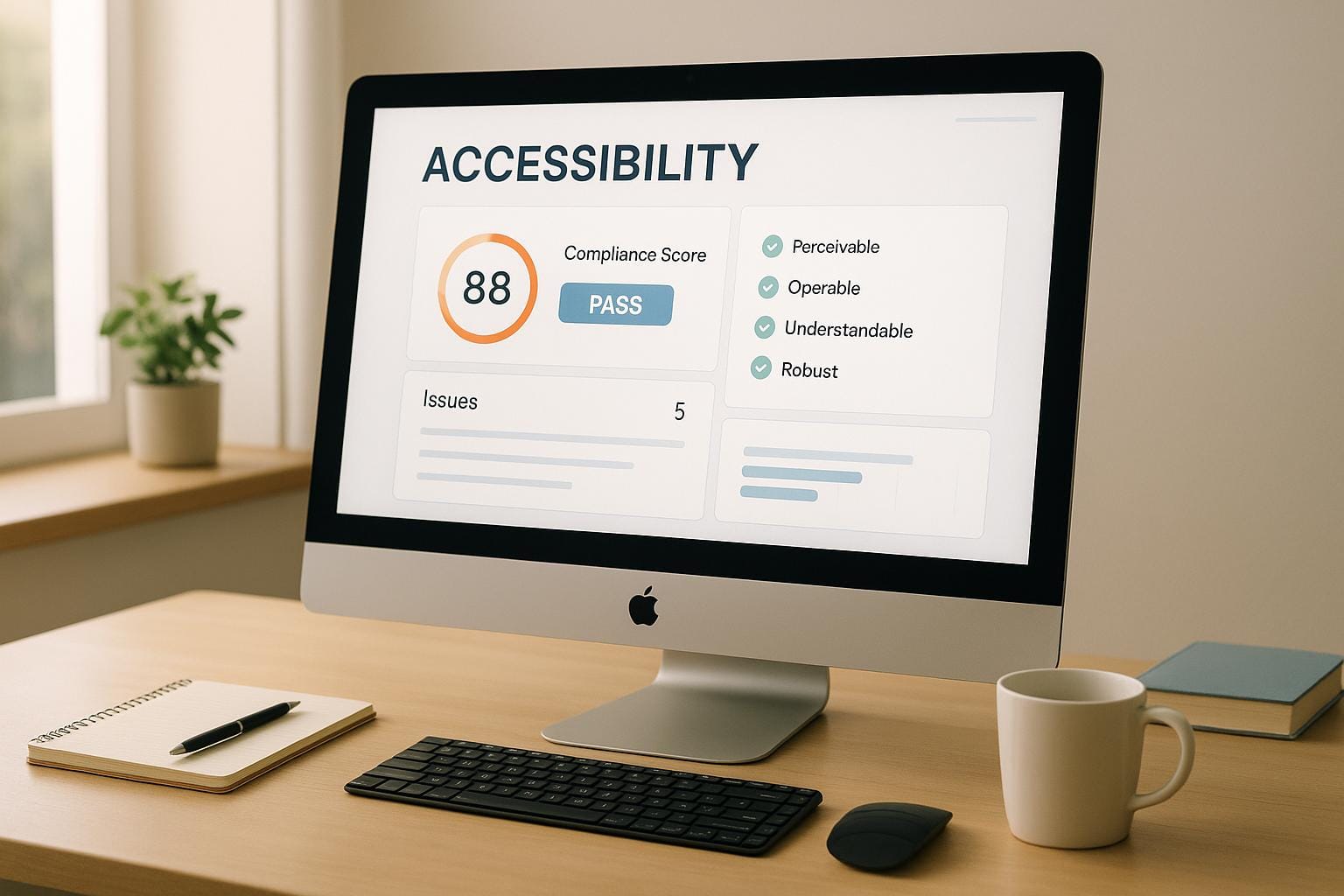
Make Your Website Inclusive with an Accessibility Checker
Creating a website that works for everyone isn’t just a nice-to-have—it’s essential. Many users, including those with disabilities, rely on accessible design to navigate the web. That’s where a tool to test website inclusivity comes in handy. It helps you spot barriers that might prevent someone from using your site, ensuring you’re not unintentionally excluding anyone.
Why Accessibility Matters
Think about a visually impaired user who depends on screen readers, or someone with motor challenges who navigates via keyboard. If your site lacks proper image descriptions or can’t be tabbed through, they’re stuck. Testing for compliance with standards like WCAG 2.1 helps you catch these issues early. It’s not just about meeting legal requirements; it’s about building a better, more welcoming online space.
How to Get Started
Using a tool to analyze UX for inclusivity takes minutes. Just input your site’s URL or code, and you’ll get a breakdown of what’s working and what needs attention. From color contrast fixes to navigation tweaks, these insights empower you to improve. Plus, an accessible site often ranks better in search engines—talk about a win-win!
FAQs
What accessibility standards does this tool check for?
This tool evaluates your website or code against WCAG 2.1 guidelines, which are the gold standard for web accessibility. It looks at things like color contrast ratios, alt text for images, and keyboard navigation support. Basically, we cover the key areas that ensure your site works for people with disabilities, so you don’t have to dig through complex documentation yourself.
How detailed are the reports from this checker?
Our reports are pretty thorough but easy to understand. You’ll see a list of issues categorized by severity—low, medium, or high—so you know what to tackle first. Each issue comes with a plain-language explanation and a specific suggestion for fixing it, like adjusting a color hex code for better contrast. You can view everything on-screen or download it as a text file for later.
Do I need technical skills to use this tool?
Not at all! We’ve designed this checker to be user-friendly whether you’re a seasoned developer or just starting out. Simply paste a URL or upload your code, and we’ll handle the analysis. The results are written in clear, everyday language—no jargon or tech-speak—so you can focus on making your site better without needing a degree in web design.