
UX Feedback Score Calculator
Calculate your UX feedback score easily! Input ratings for usability, design, and more to get insights and improve your product’s user experience.

Unlock Better User Experiences with a UX Feedback Tool
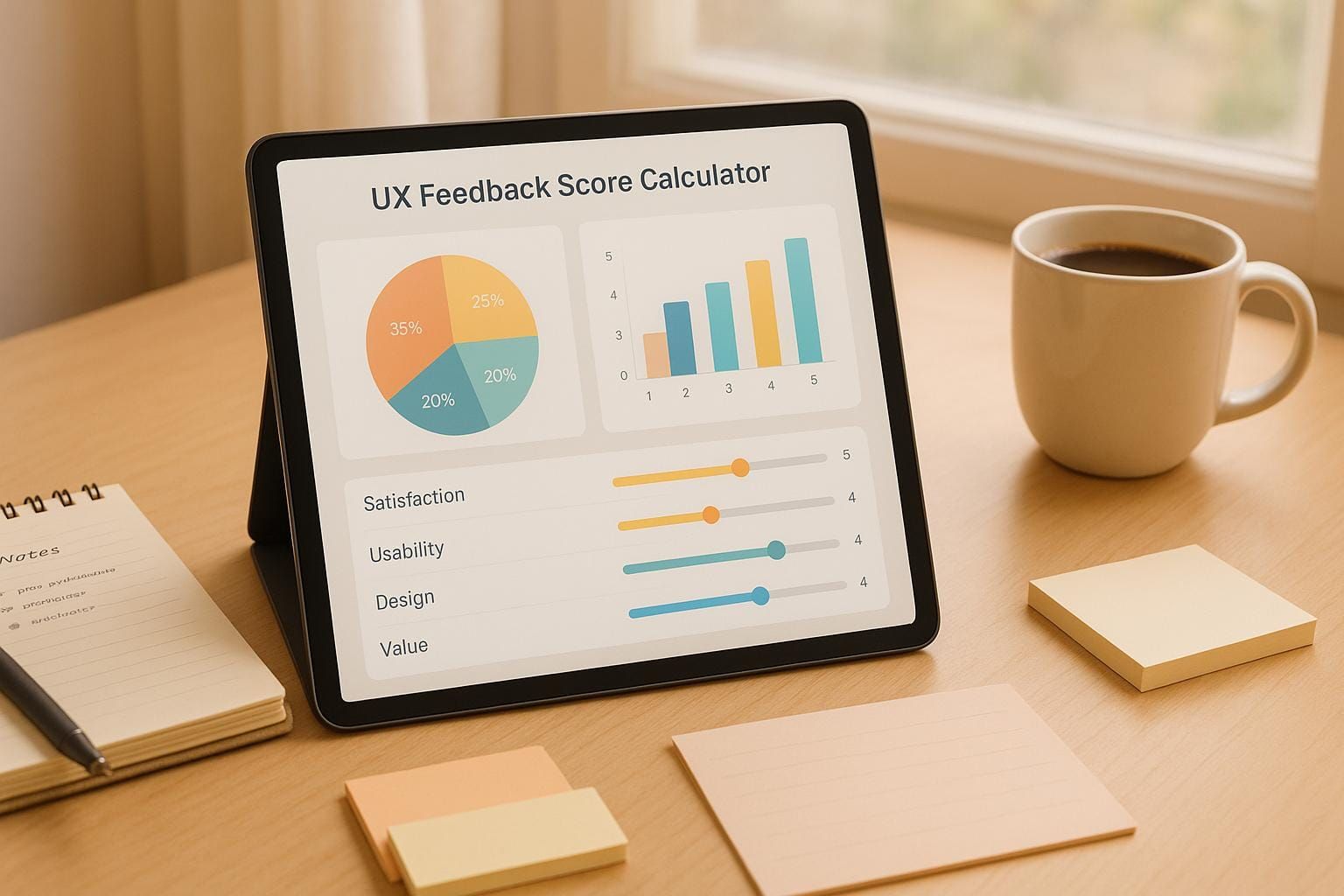
Understanding how users interact with your product is the key to growth, and a tool like this UX Feedback Score Calculator can make all the difference. Whether you're a designer refining an app or a product manager gauging customer reactions, getting clear, actionable insights from user input is crucial. This calculator takes raw ratings on aspects like usability and design, turning them into a digestible summary that highlights strengths and weaknesses.
Why User Feedback Matters
Feedback isn’t just about numbers—it’s about real people sharing their thoughts on what works and what frustrates them. By analyzing scores across different categories, you can spot patterns and make informed decisions. Maybe your design is visually stunning but hard to navigate, or perhaps functionality lags behind expectations. A user experience scoring system helps you cut through the noise and focus on what truly improves satisfaction.
Take Action Today
Don’t let guesswork guide your next update. Use a tool that simplifies feedback analysis to refine your product and keep users coming back. Small changes based on real data can lead to big wins in engagement and loyalty.
FAQs
How does the UX Feedback Score Calculator determine areas of concern?
The tool flags any category with an average score below 3 as an area of concern. This threshold helps you quickly spot where your product might be falling short—whether it’s a clunky interface or poor functionality. From there, you can dig into user comments for more context and start brainstorming fixes. It’s a straightforward way to prioritize what needs attention without getting bogged down in data.
Can I use this tool for small-scale feedback from just a few users?
Absolutely! Whether you’ve got feedback from 5 users or 50, this calculator works just fine. It averages out the ratings for each category, so even with a small sample, you’ll get a snapshot of how your product is performing. Pair that with any written comments, and you’ve got a solid starting point to understand user sentiment and make adjustments.
Is there a way to export or share the results with my team?
Yep, it’s super easy. Once your scores are calculated, you can save the results as a simple text summary. Just copy it over to an email, Slack message, or document to share with your team. This keeps everyone on the same page about what’s working and what needs a little TLC in your product’s user experience.