
UX Design Principles Checklist
Assess your design with our UX Design Principles Checklist. Ensure usability, accessibility, and more with an interactive tool. Try it now!

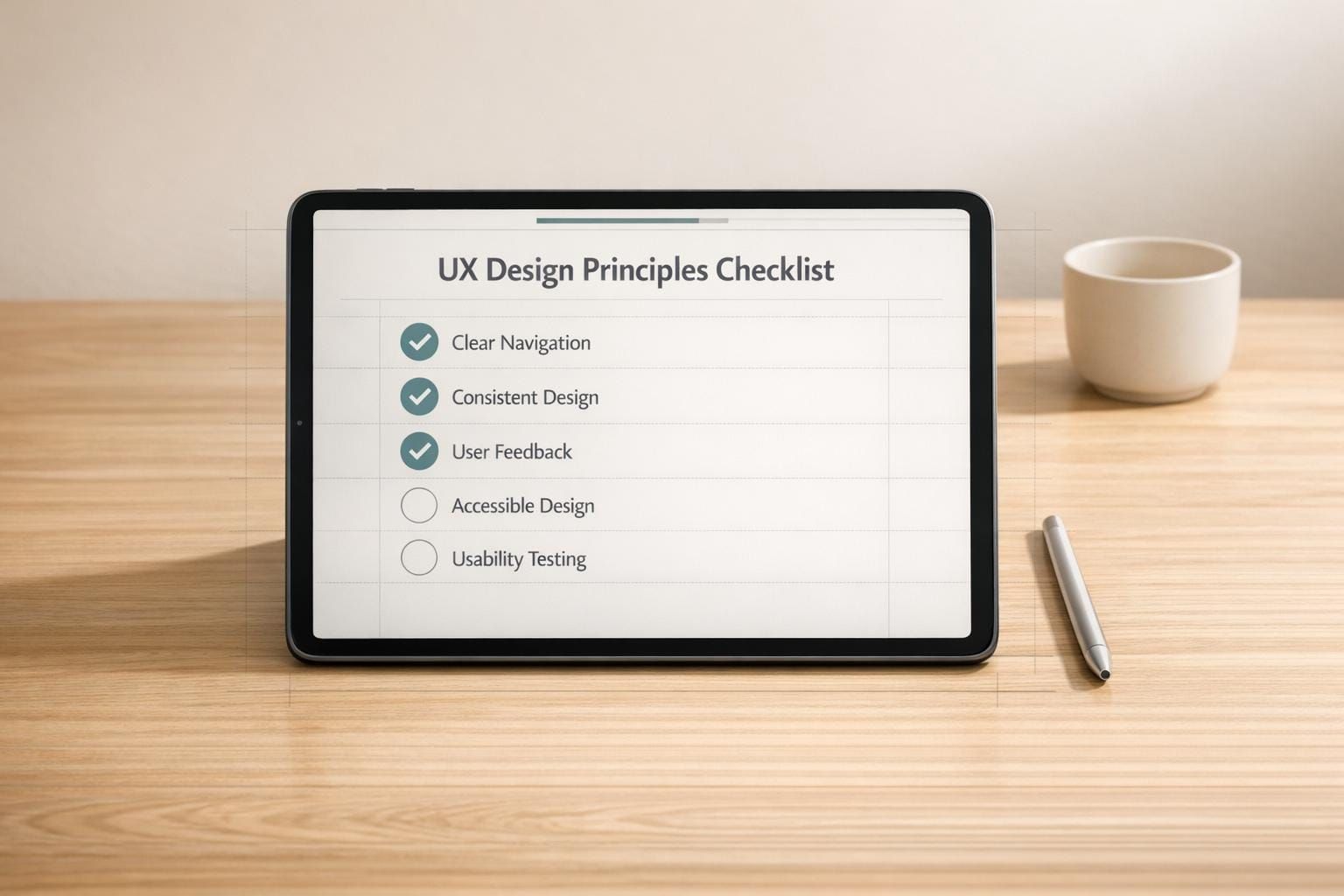
Enhance Your Design with a UX Design Principles Checklist
Creating a stellar user experience is the cornerstone of any successful project, whether it’s a website, app, or product. A well-structured evaluation tool can make all the difference in ensuring your work resonates with users. That’s where a thoughtful framework for assessing user experience comes in handy. It helps you cover essential aspects like ease of use, accessibility for all, and consistent design language without missing a beat.
Why Evaluating User Experience Matters
Great design isn’t just about aesthetics—it’s about how people interact with your creation. By systematically reviewing key areas such as clear feedback or simplicity in navigation, you can catch potential pain points before they frustrate users. This isn’t just for professional designers; developers, product managers, and even hobbyists can benefit from a structured approach. Imagine having a clear view of what’s working and what isn’t, all while tracking your progress in real time. That kind of insight turns good ideas into unforgettable experiences. So, dive into a resource that guides you through core design standards, and watch your project transform into something users truly love.
FAQs
What makes this UX checklist different from others?
Our UX Design Principles Checklist focuses on interactivity and clarity. Unlike static lists, it lets you track your progress with a dynamic percentage score as you check off items. Plus, it’s organized into specific categories like Usability and Simplicity, so you can pinpoint exactly where your design shines or needs work. It’s built to feel intuitive for both newbies and seasoned designers.
Can I use this tool for any type of design project?
Absolutely! This checklist works for web design, mobile apps, or even physical products. The principles—like ensuring intuitive navigation or providing clear feedback—apply across the board. Just adapt the checkpoints to fit your context, and you’ll get a solid evaluation of your user experience.
Do I need to sign up or pay to use this checklist?
Nope, it’s completely free and accessible right from your browser. There’s no sign-up required—just load the tool and start evaluating your project. We wanted to make it as easy as possible for anyone to improve their design without jumping through hoops.