
User Journey Map Planner
Create stunning user journey maps with our free planner! Map customer touchpoints and emotions to improve UX and boost retention easily.

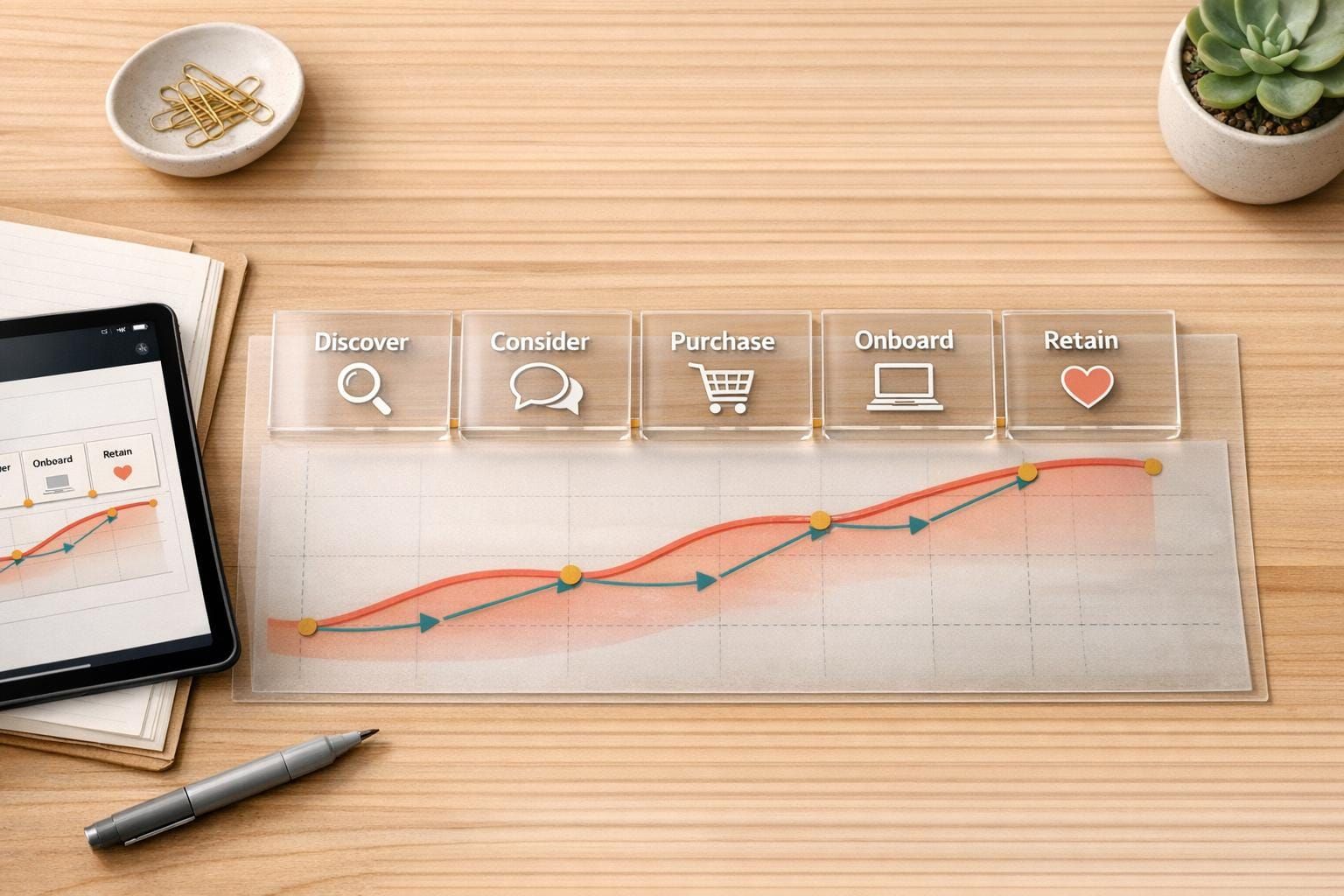
Unlock Better UX with a User Journey Map Planner
Creating a seamless customer experience is the secret sauce for any successful product, and that’s where a tool for mapping user journeys comes in handy. This innovative planner helps UX professionals and product managers break down every step of the customer’s path—from their first interaction to long-term loyalty. By focusing on stages like Awareness and Retention, you can dig into what your users feel and where they struggle, turning those insights into actionable improvements.
Why Mapping Customer Journeys Matters
Understanding how users move through your product isn’t just a nice-to-have; it’s a game-changer. With a structured approach, you can spot pain points that might be pushing customers away or find golden opportunities to delight them. Visualizing this journey as a flowchart or timeline makes complex data feel approachable, helping your team align on what matters most. Whether you’re refining a mobile app or revamping a website, this kind of clarity drives smarter decisions.
Start Building Better Experiences Today
Don’t leave user satisfaction to chance. Dive into a tool that simplifies customer experience mapping and watch how small tweaks can lead to big wins for your product and your users.
FAQs
What makes this User Journey Map Planner different from other tools?
Great question! Our planner focuses on simplicity and clarity, breaking down the journey into five key stages—Awareness, Consideration, Decision, Usage, and Retention. You can easily input specific details like emotions and pain points for each stage, and the tool instantly visualizes it as a flowchart or timeline. It’s built for UX folks and product managers who want a no-fuss way to see the big picture without getting bogged down by overcomplicated features.
Can I customize the stages or add new ones in the planner?
Right now, the tool sticks to the five core stages of a user journey to keep things streamlined. That said, within each stage, you’ve got full freedom to add or edit entries for touchpoints, emotions, and more. If you’ve got a unique stage or need something extra, just pop it into one of the existing categories as a custom note—it’s flexible enough to handle your creative tweaks!
Do I need design skills to use this journey mapping tool?
Not at all! This planner is designed for anyone, whether you’re a seasoned designer or just dipping your toes into UX. The interface is super intuitive—just input your data, and the tool handles the visualization for you. No need to mess with design software or stress about making it look pretty; we’ve got that covered so you can focus on the insights.