
UI Color Palette Generator
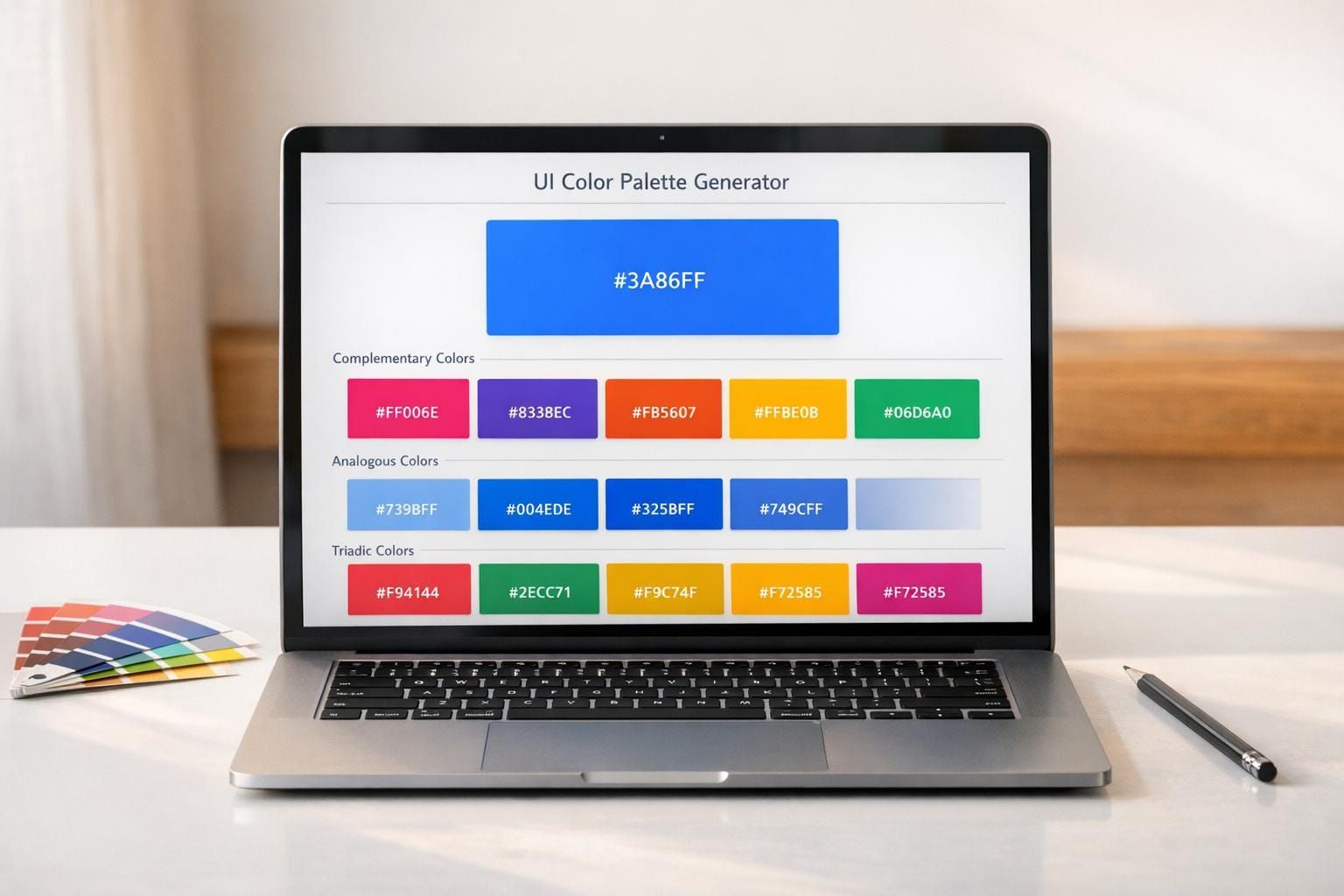
Create balanced UI color palettes from any base color. Generate complementary, analogous, or triadic schemes with live hex previews.

UI Color Palette Generator
Build Better Interface Color Schemes
A strong interface starts with color choices that feel intentional. This UI Color Palette Generator helps designers turn one starting color into a complete scheme using proven color relationships. Instead of guessing which shades belong together, you can enter a hex value or use a picker, then generate complementary, analogous, or triadic combinations in seconds.
Designed for Practical UI Work
Whether you're shaping a landing page, mobile app, admin dashboard, or design system, this color scheme tool makes exploration faster. Each result includes clear hex codes and a visual preview, so you can quickly judge contrast, harmony, and overall mood. That’s especially helpful when you’re trying to define primary actions, accent colors, or supporting tones for navigation and content areas.
Based on Standard Color Theory
The UI Color Palette Generator uses established color wheel formulas to calculate related hues accurately. That means the output isn’t random—it reflects the same principles designers use to create balance and contrast. If you need a reliable way to test a harmonious palette before moving into mockups, this interface palette builder gives you a clean, practical starting point.
FAQs
How are the palette colors calculated?
The tool uses standard color theory relationships based on the position of your base color on the color wheel. Complementary schemes use the opposite hue, analogous schemes use nearby hues, and triadic schemes space colors evenly around the wheel. In practice, this usually means converting the input color into a color model like HSL, adjusting the hue by the correct degree values, and then converting the results back to hex for display.
Can I use this for app and website design?
Yes. It’s built specifically for interface work, so it’s useful for websites, mobile apps, dashboards, and design systems. Once you generate a palette, you can use the hex values for primary actions, accents, backgrounds, highlights, or supporting UI elements while checking how the colors feel together in the preview.
What’s the difference between complementary, analogous, and triadic schemes?
Complementary palettes pair colors from opposite sides of the color wheel, which creates strong contrast and can be great for calls to action. Analogous palettes use neighboring hues, so they tend to feel smoother and more unified. Triadic palettes spread three colors evenly around the wheel, giving you a balanced mix of contrast and variety without feeling too chaotic.