
UX Writing Generator
Create clear UX copy for buttons, errors, onboarding, and more with fast, context-aware suggestions tailored to tone and limits.

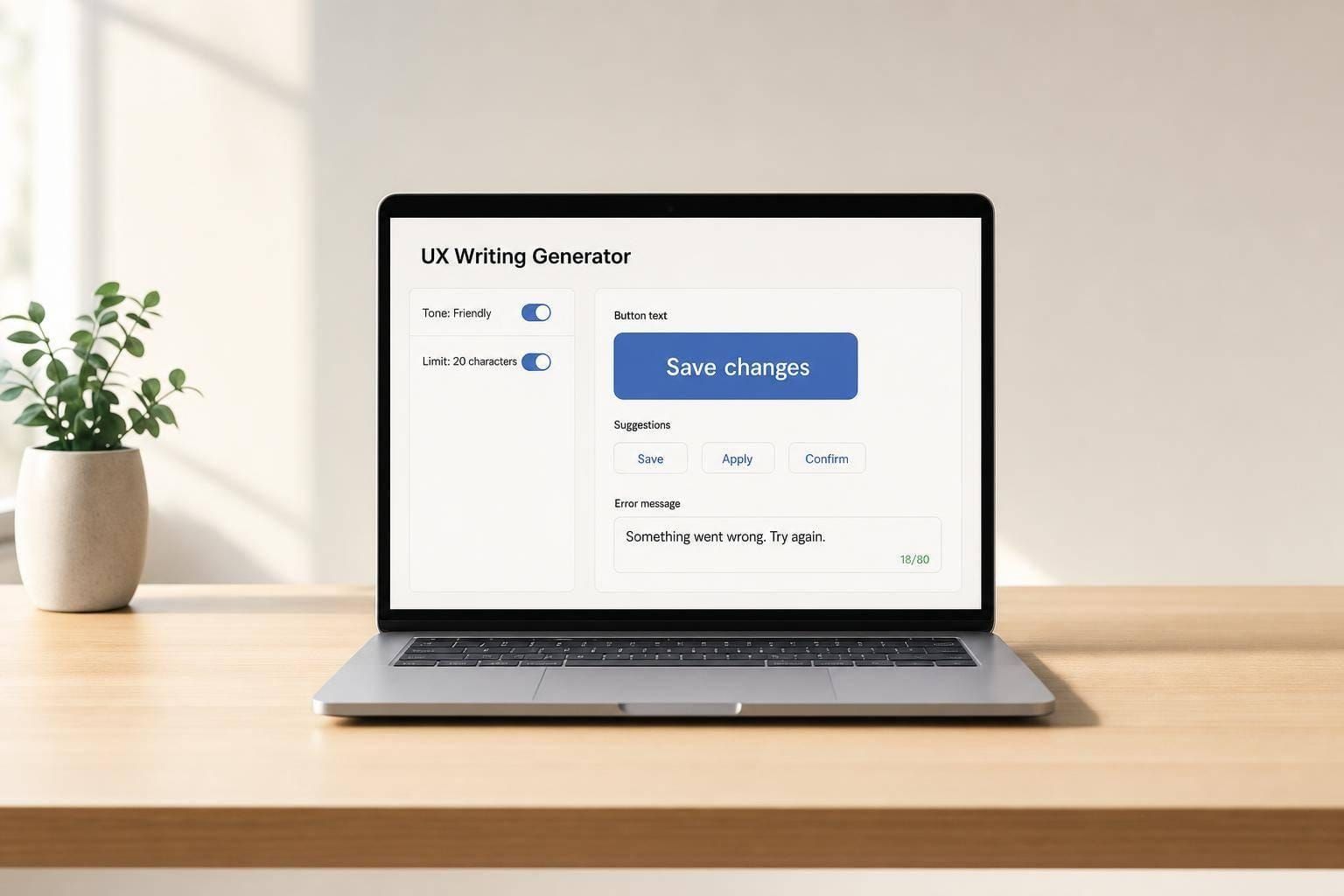
UX Writing Generator for Better Product Copy
Write microcopy that helps people move
A strong UX Writing Generator can save time, but more importantly, it can make digital experiences easier to use. Small pieces of interface copy—like button labels, error messages, empty states, and confirmation dialogs—carry a lot of weight. They guide decisions, reduce friction, and help users feel confident about what happens next.
Built for real interface moments
This tool is designed for practical product-writing tasks, not generic slogans. You can choose a scenario, add details about your screen or feature, define your audience, and set a tone or brand voice that fits your product. If space is tight, the generator can work within a character limit and still keep the message clear.
Clear options with useful reasoning
Each UX Writing Generator result includes several concise variations, plus a short explanation of why each one works. That makes it useful for designers, product managers, and content teams who want better interface text without slowing down the workflow. It also includes a rewrite mode for improving existing UI copy, turning rough drafts into cleaner, more accessible microcopy that feels natural in the product.
FAQs
What kinds of UX copy can this generator create?
It covers many of the short writing moments that shape a product experience, including button labels, empty states, error messages, success messages, onboarding copy, tooltips, confirmation dialogs, form hints, and notifications. The tool is built for realistic product use cases, so the suggestions stay short, relevant, and focused on helping users understand what to do next.
How does the tool keep the copy usable instead of sounding flashy?
The generator prioritizes plain language, direct wording, and context over marketing-style phrasing. It looks at the scenario, your audience, and any tone or brand voice you provide, then creates options that are easier to scan and understand. If you set a character limit, it respects that constraint so the copy is practical for real interfaces.
Can I use it to improve copy I already wrote?
Yes. The rewrite mode is designed for that exact job. Paste in your current UX copy, then add the same context you’d use for a fresh draft, such as tone, audience, and feature type. The tool will return clearer alternatives along with brief rationale, which makes it easier to compare versions and spot wording that may be vague, too long, or out of step with your product voice.