
Accessibility Checker
Check HTML, labels, headings, alt text, and color contrast for common accessibility issues with clear, practical fixes.

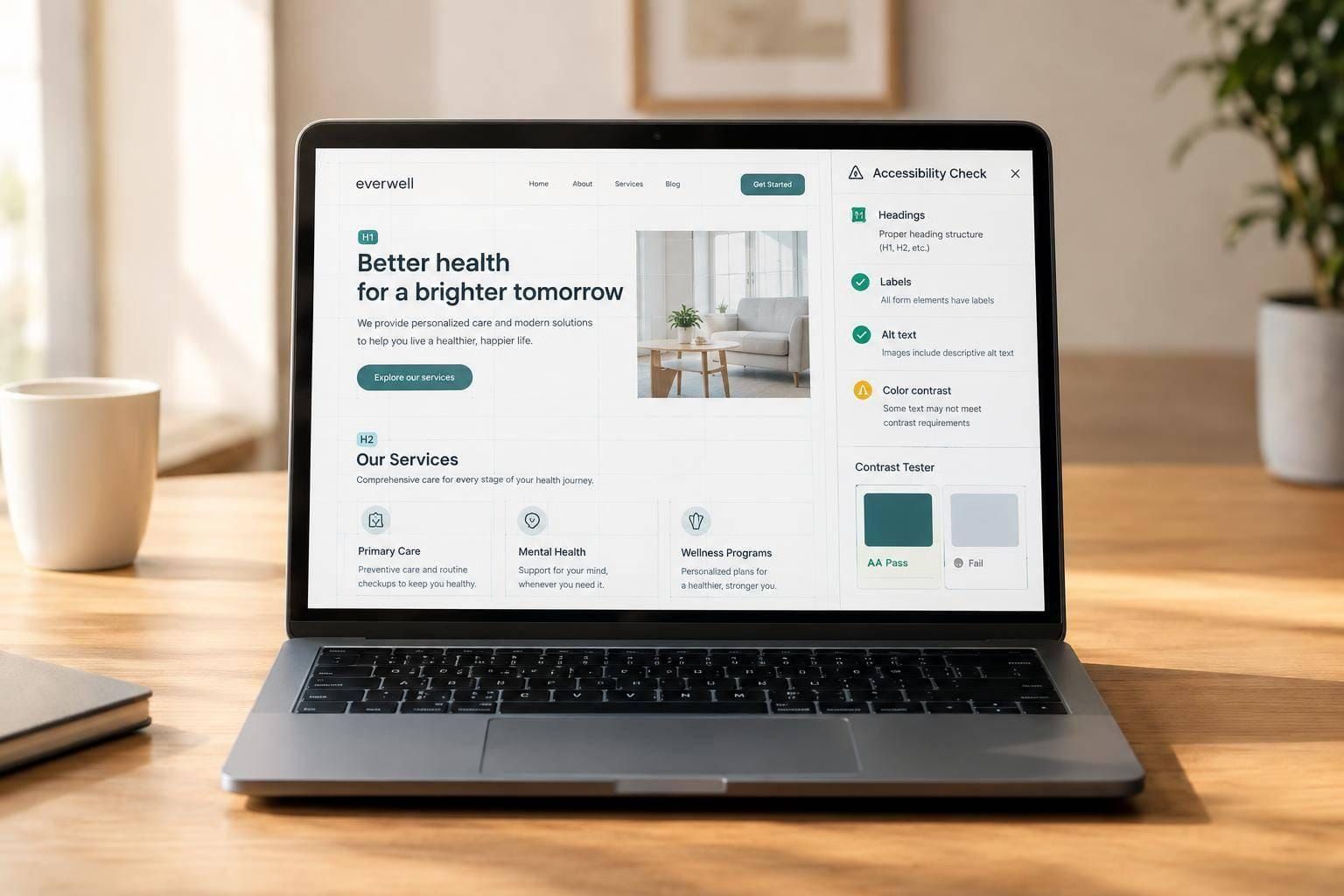
Accessibility Checker for Practical Content Reviews
Catch common issues before they become bigger problems
A good Accessibility Checker helps you review the parts of a page that often cause friction for real users: headings, link text, button labels, form labels, image alt text, and color contrast. Instead of forcing you into a full technical audit, this tool keeps the process focused and useful. You can paste HTML, enter content manually, or test individual UI elements while you work.
Built for fast, actionable feedback
This browser-based accessibility testing tool is ideal for content teams, designers, developers, and site owners who want quick answers. It highlights missing labels, unclear calls to action, skipped heading levels, and weak contrast with severity-based results that are easy to understand. When a check passes, you’ll see that too, so you know what’s already in good shape.
Clear guidance you can actually use
The goal isn’t to overwhelm you with technical noise. This Accessibility Checker explains each issue in plain language and offers practical suggestions that map to common WCAG-aligned best practices. Whether you’re validating a landing page draft or reviewing UI copy before launch, it gives you a simple way to improve usability and accessibility with confidence.
FAQs
What kinds of accessibility issues can this tool detect?
It focuses on practical checks that work well in a browser-based tool. That includes missing or weak image alt text, vague link text like “click here,” empty button labels, skipped heading levels, missing form labels, confusing duplicate labels where clarity matters, and low color contrast. It doesn’t try to replace a full manual audit or screen reader testing, but it does catch many of the issues teams run into most often during content entry and UI review.
Can I use this without pasting full HTML?
Yes. That’s one of the main benefits. If you don’t have a full code snippet, you can manually enter the page title, heading structure, image alt text, link text, button labels, form labels, input purposes, and color values. That makes the tool useful for designers, content editors, marketers, and product teams who want accessibility feedback before a page is fully developed.
How accurate is the color contrast check?
The contrast check is reliable when you provide valid foreground and background color values. The tool calculates the contrast ratio and compares it against common WCAG AA thresholds, which is a solid baseline for text contrast review. Keep in mind that real-world accessibility can still depend on font size, weight, state changes, overlays, and how colors appear in the actual interface, so contrast results are best used as a strong first-pass check.