User Flow Generator
Create clean user flows fast from simple inputs. Map steps, decisions, and outcomes in a clear visual diagram with a matching text summary.

User Flow Generator
Create clear product flows without the mess
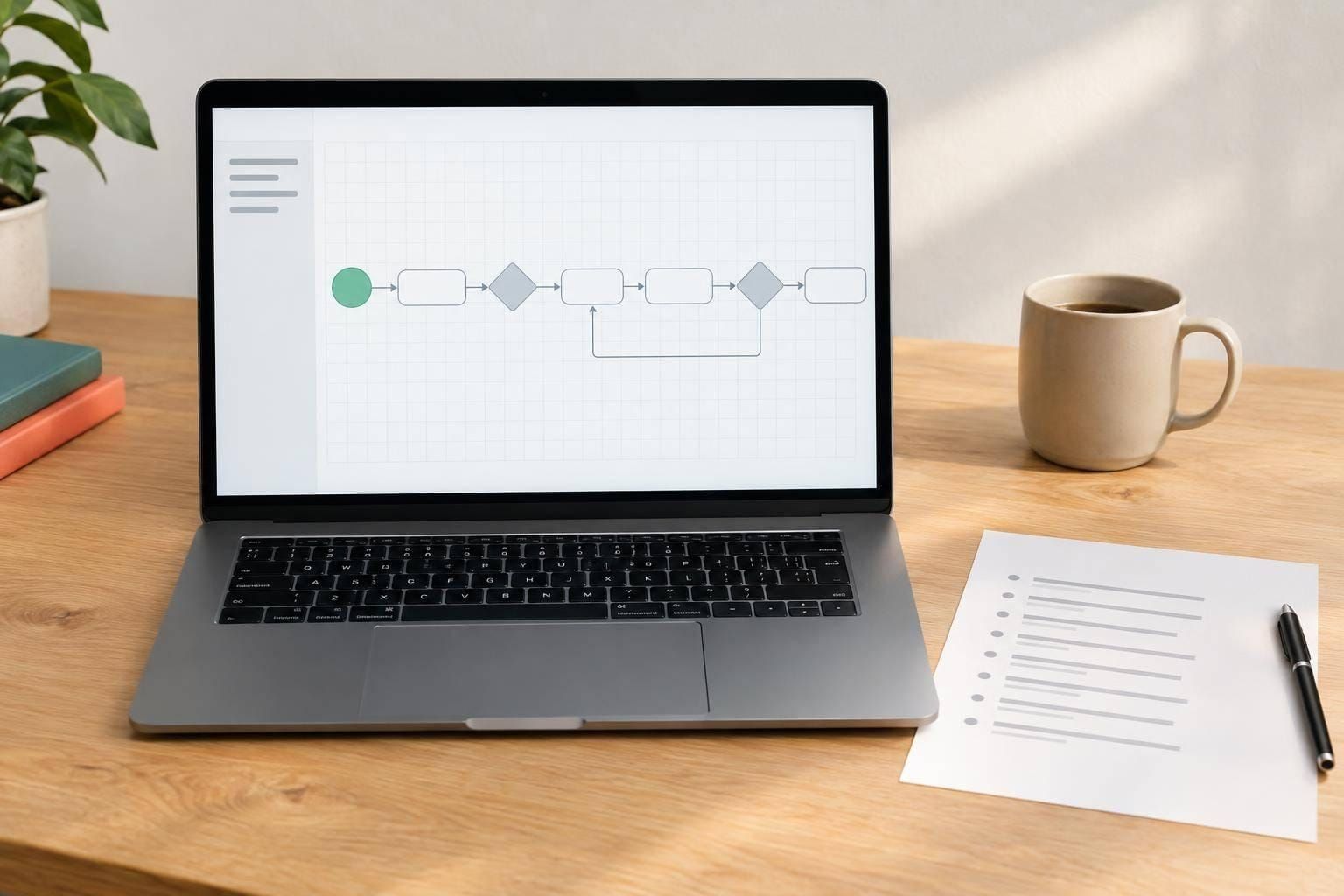
A strong User Flow Generator makes it easier to turn scattered ideas into a sequence your team can actually use. Instead of dragging shapes around a blank canvas, you can enter a starting point, define the user’s goal, and map the steps, decisions, and outcomes in a simple structure. The result is a clean visual flowchart and a matching written outline that’s easy to review in workshops, planning sessions, or stakeholder meetings.
Built for UX, product, and fast collaboration
This tool is especially useful when you need a quick user flow diagram for a feature concept, onboarding path, checkout process, or support journey. Decision points are organized into clear branches, and each path must lead somewhere valid, so you don’t end up with broken logic or half-finished maps. You can also rename steps and reorder them before rendering the final output.
From rough notes to a polished flow
Whether you're a product manager, designer, founder, or researcher, a browser-based User Flow Generator helps you move from rough notes to a flow that’s readable, practical, and presentation-ready. It keeps the focus on clarity, which is exactly what good flow mapping should do.
FAQs
What kind of flows can I create with this tool?
You can create user flows for sign-up journeys, checkout paths, onboarding sequences, support experiences, feature adoption paths, and more. If your flow includes a starting point, a goal, and a series of steps or decisions in between, this tool can help you map it clearly.
How does the tool handle decision points and branches?
Each decision point can include yes/no branches or custom branch labels that fit your scenario. The tool requires every branch to connect to another step or an end state, which helps prevent incomplete diagrams and keeps the final flow easy to follow.
Is this tool better than drawing a flow manually?
For quick planning, usually yes. Manual diagrams can get messy fast, especially when you’re rearranging steps or updating decisions during a meeting. This tool keeps the structure organized automatically, gives you a readable text version, and makes it easier to share a flow with teammates or stakeholders.