UX Design Quiz
Take a fast UX design quiz with beginner to advanced questions, instant scoring, and answer explanations to sharpen your UX knowledge.

Sharpen Your Skills With a UX Design Quiz
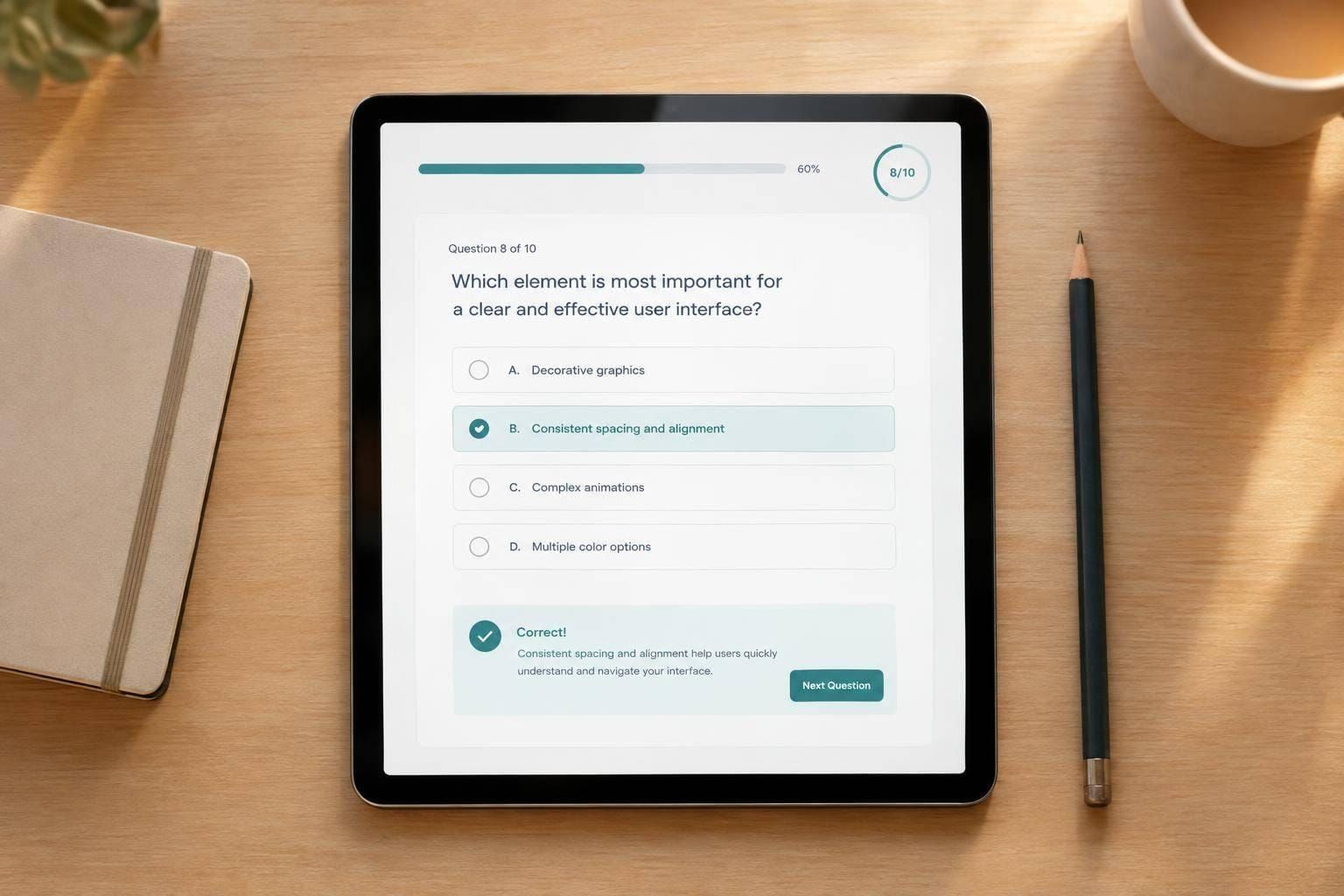
A well-built UX Design Quiz is a simple way to measure what you know and uncover what needs work. Whether you're new to user experience or already designing products professionally, a structured quiz can help you review essential concepts without wasting time. This tool covers key areas like user research, information architecture, wireframing, accessibility, interaction design, and usability testing in a format that’s quick to complete in any browser.
Built for Learning, Not Just Scoring
You can choose your difficulty level and quiz length before you begin, which makes the experience more useful and less intimidating. A shorter set works well for quick practice, while a longer quiz gives a broader look at your strengths across multiple UX topics. After submission, you’ll see your score, percentage, and a plain-language summary of your performance.
Get Feedback You Can Actually Use
What makes this UX Design Quiz especially helpful is the review section. Instead of only showing right or wrong, it explains the correct answer so you can understand the thinking behind it. That makes it a useful study tool for interview prep, coursework, portfolio training, or day-to-day skill building for anyone working in user-centered design.
FAQs
What topics are included in the UX Design Quiz?
The quiz covers the fundamentals most UX designers are expected to know, including user research, information architecture, wireframing, usability testing, accessibility, interaction design, and design thinking. The exact mix depends on the difficulty level and the question set you receive, so each quiz feels balanced and relevant rather than repetitive.
Is this quiz useful for beginners as well as experienced designers?
Yes. That’s one of the main strengths of the tool. Beginners can use it to learn the basics and spot gaps early, while more experienced designers can challenge themselves with intermediate or advanced questions. If you're preparing for interviews, coursework, or team training, the different difficulty levels make it easy to match the quiz to your current skill level.
Will I see why an answer was correct or incorrect?
Absolutely. After you finish, the tool shows the correct answer for each question along with a short explanation. That means the quiz isn’t just a score generator—it also helps you learn from mistakes, understand the reasoning behind good UX decisions, and build stronger practical knowledge over time.