Design System Checklist
Audit your design system with a structured checklist for foundations, components, accessibility, docs, and governance.

Audit Your Design System with More Clarity
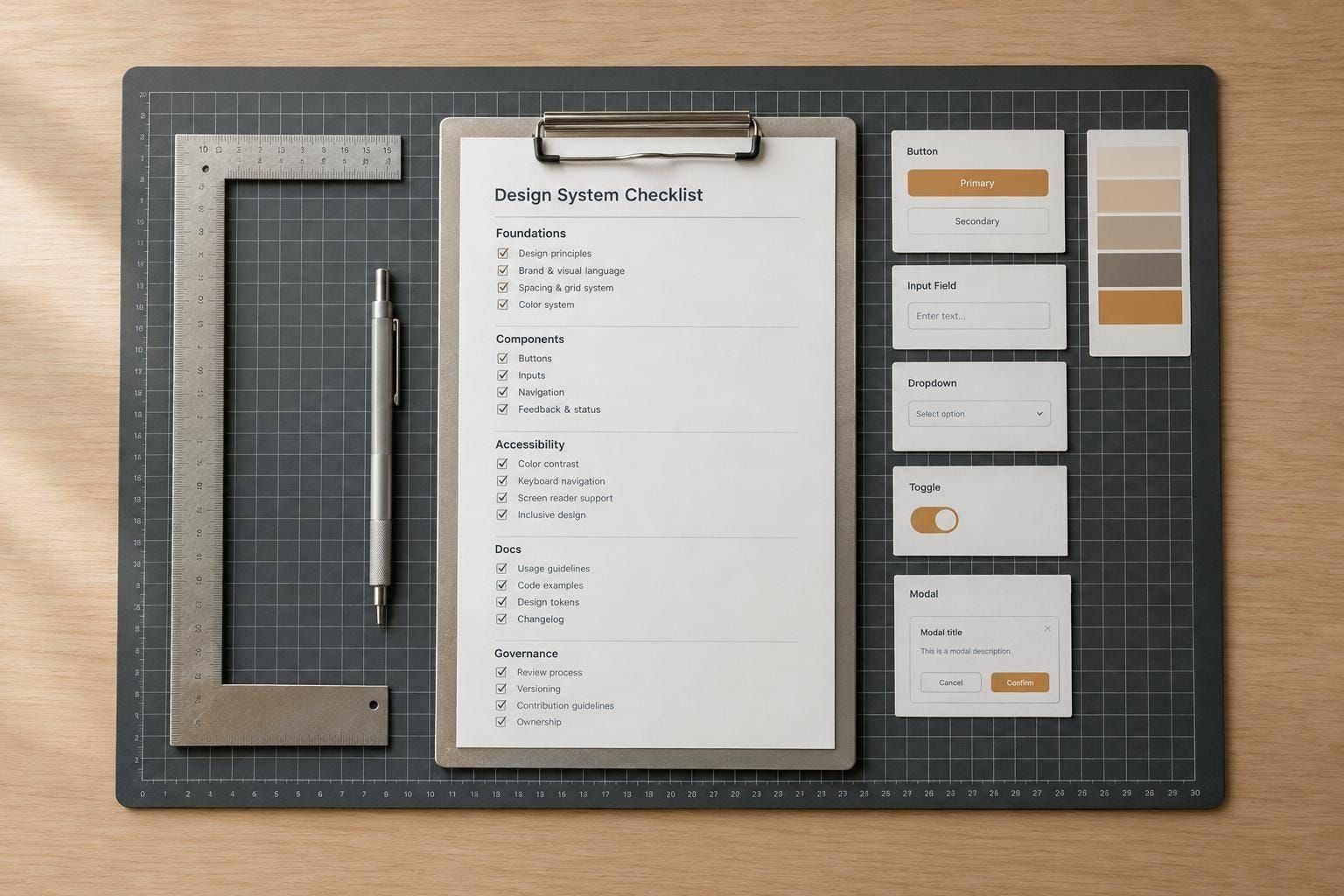
A strong design system checklist helps teams move beyond assumptions and review what’s actually in place. It breaks the system into practical sections like foundations, components, patterns, accessibility, content standards, documentation, governance, and contribution workflows. That structure makes it easier to see whether the system is genuinely ready to support product teams or if important pieces are still missing.
Spot Gaps Before They Slow Teams Down
This tool is built for a focused design system audit. You can review essentials such as color, typography, spacing, grids, icons, buttons, forms, navigation, tokens, writing guidance, versioning, and maintenance processes. As statuses are updated, the checklist shows overall progress and section-level completion so weak spots stand out quickly.
Prioritize Readiness, Not Just Coverage
A useful design system checklist doesn’t just count what exists. It helps teams identify what’s incomplete, inconsistent, or undocumented. That’s especially important in high-impact areas like accessibility guidance, component states, and maintenance workflows. With notes attached to each item, the checklist becomes a practical working view of design system maturity rather than a static review document.
FAQs
What is a design system checklist tool used for?
It’s used to review how complete and usable a design system really is. Instead of relying on a vague sense that things are 'mostly there,' teams can go section by section through foundations, components, patterns, accessibility, content standards, documentation, and governance. The result is a clearer picture of maturity, along with a practical list of what still needs work.
Who should use this checklist?
This tool is useful for product designers, design systems teams, UX leads, frontend engineers, and anyone responsible for maintaining consistency across products. It’s especially helpful during audits, redesigns, handoffs, or before scaling a system to more teams. Even smaller teams can use it to identify missing basics before those gaps turn into larger maintenance problems.
How does the tool measure progress?
Progress is based on the status of each checklist item. When items are marked complete, the tool updates the overall completion percentage and section-level summaries automatically. It also keeps incomplete and in-progress items visible, which makes it easier to prioritize the areas that matter most, such as accessibility guidance, documentation quality, and missing component states.